A Smarter Multitasking Workspace for Patent Prosecution
March 16, 2026
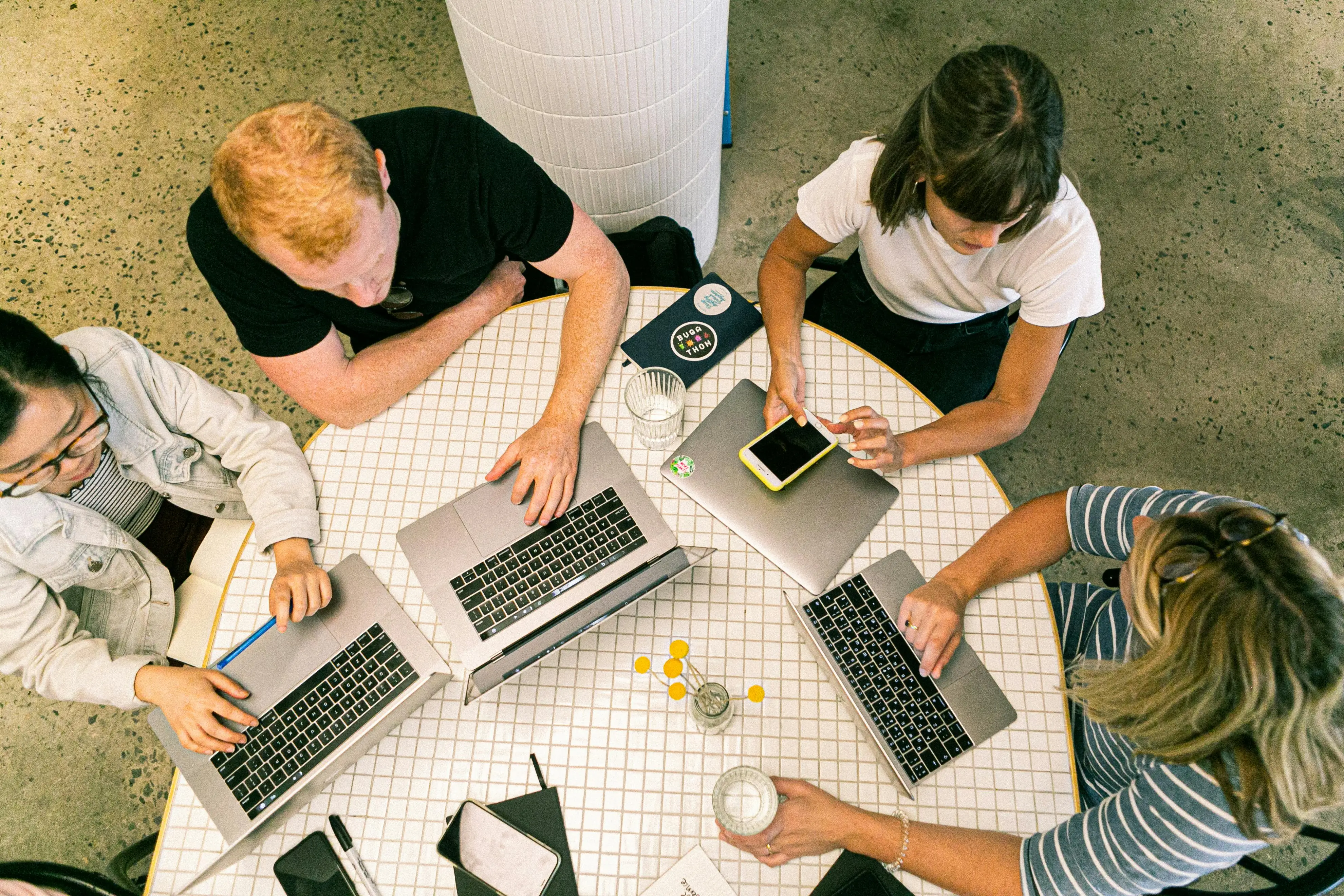
Patent prosecution requires constant multitasking. Responding to an Office Action requires attorneys to manage multiple documents at once: examiner remarks, cited prior art, specifications, claims, and a working draft response.
Traditionally, this leads to constant tab-switching, PDF downloads, and fragmented note-taking. Over time, this can create a cycle of manual navigation that slows progress and increases the risk of clerical error.
Modern patent teams need a workspace that reflects how they actually work.
Patlytics addresses this challenge with a multitasking patent prosecution environment designed to keep every document, insight, and action connected within a single workflow.
A Workspace Built for How Patent Attorneys Actually Work
In most environments, patent professionals are forced to jump between systems:
- Reviewing prior art in one tab
- Drafting responses in another
- Searching specifications in another
- Taking notes separately
Each step can introduce friction and break context.
Patlytics replaces this fragmented approach with a unified workspace, where drafting, analysis, and research happen simultaneously. Instead of managing documents across tools, practitioners interact with everything in one connected environment.
The result is a shift from disjointed tasks to a continuous prosecution workflow.
Side-by-Side AI: Drafting and Analysis in Real Time
At the center of this experience is the Side-by-Side AI Chat, positioned alongside the drafting interface.
This allows attorneys to interact with AI while actively working on their response, without switching screens or losing context.
Practitioners can:
- Ask the AI to locate specification support for a proposed amendment while continuing to draft
- Iterate on argument strategies for §102 or §103 rejections with immediate feedback
- Apply formatting and refine arguments without disrupting workflow
Because the AI operates within the same workspace, insights can be applied instantly rather than transferred between tools.
Cited Materials Pop-Out Viewer
One of the biggest limitations of traditional patent software is the inability to effectively view multiple references at once.
The Cited Materials Pop-Out Viewer solves this by allowing practitioners to open cited references in separate, fully functional windows.
Simultaneous Review
Users can view prior art references in full PDF format, with features such as zoom, rotation, and navigation without leaving the drafting environment.
Multi-Window Workflow
Multiple documents can be opened at the same time, enabling side-by-side comparison of different references while drafting arguments or amendments.
Synchronized Context
AI-generated highlights and search results carry over into each window, ensuring that relevant disclosures are visible exactly where they are needed.
This creates a more natural workflow, where attorneys can validate arguments against source materials in real time.
From Analysis to Action: A Fully Connected Workflow
The value of a multitasking workspace is not just visibility, it is the ability to act on insights immediately.
Because all components are connected, practitioners can move seamlessly from research to execution.
Direct Amendment Application
Once a strategy is selected, amendments can be applied directly within the editor, with automatic redlining (strikethroughs and additions) generated instantly.
Real-Time Prior Art Verification
As claims are updated, the Verify Amendment feature allows users to cross-check new language against cited references, ensuring that the amendment remains novel.
With cited materials visible in pop-out windows, verification becomes a continuous process rather than a separate step.
Reducing Friction, Improving Accuracy
When patent workflows are fragmented, even small inefficiencies compound over time:
- Context is lost between tools
- Errors are introduced during manual transfers
- Time is spent navigating instead of analyzing
By keeping every document connected, a unified workspace reduces these risks.
Practitioners can focus on:
- Building stronger arguments
- Refining claim language
- Validating strategy against prior art
rather than managing files and interfaces.
Stop Switching Tabs and Start Executing Strategy.
By bringing drafting, analysis, and research into one unified workspace, Patlytics allows practitioners to move faster, reduce error, and maintain full context across every step of the Office Action response process. Instead of searching across tabs, reconciling documents, and manually syncing information, practitioners can operate within a single, connected environment.
The result is a workflow where everything stays connected and where attorneys can focus on what matters most.
To learn more about how Patlytics helps teams improve efficiency, try it out by booking a demo today.
A Smarter Multitasking Workspace for Patent Prosecution
Patent prosecution requires constant multitasking. Responding to an Office Action requires attorneys to manage multiple documents at once: examiner remarks, cited prior art, specifications, claims, and a working draft response.
Traditionally, this leads to constant tab-switching, PDF downloads, and fragmented note-taking. Over time, this can create a cycle of manual navigation that slows progress and increases the risk of clerical error.
Modern patent teams need a workspace that reflects how they actually work.
Patlytics addresses this challenge with a multitasking patent prosecution environment designed to keep every document, insight, and action connected within a single workflow.
A Workspace Built for How Patent Attorneys Actually Work
In most environments, patent professionals are forced to jump between systems:
- Reviewing prior art in one tab
- Drafting responses in another
- Searching specifications in another
- Taking notes separately
Each step can introduce friction and break context.
Patlytics replaces this fragmented approach with a unified workspace, where drafting, analysis, and research happen simultaneously. Instead of managing documents across tools, practitioners interact with everything in one connected environment.
The result is a shift from disjointed tasks to a continuous prosecution workflow.
Side-by-Side AI: Drafting and Analysis in Real Time
At the center of this experience is the Side-by-Side AI Chat, positioned alongside the drafting interface.
This allows attorneys to interact with AI while actively working on their response, without switching screens or losing context.
Practitioners can:
- Ask the AI to locate specification support for a proposed amendment while continuing to draft
- Iterate on argument strategies for §102 or §103 rejections with immediate feedback
- Apply formatting and refine arguments without disrupting workflow
Because the AI operates within the same workspace, insights can be applied instantly rather than transferred between tools.
Cited Materials Pop-Out Viewer
One of the biggest limitations of traditional patent software is the inability to effectively view multiple references at once.
The Cited Materials Pop-Out Viewer solves this by allowing practitioners to open cited references in separate, fully functional windows.
Simultaneous Review
Users can view prior art references in full PDF format, with features such as zoom, rotation, and navigation without leaving the drafting environment.
Multi-Window Workflow
Multiple documents can be opened at the same time, enabling side-by-side comparison of different references while drafting arguments or amendments.
Synchronized Context
AI-generated highlights and search results carry over into each window, ensuring that relevant disclosures are visible exactly where they are needed.
This creates a more natural workflow, where attorneys can validate arguments against source materials in real time.
From Analysis to Action: A Fully Connected Workflow
The value of a multitasking workspace is not just visibility, it is the ability to act on insights immediately.
Because all components are connected, practitioners can move seamlessly from research to execution.
Direct Amendment Application
Once a strategy is selected, amendments can be applied directly within the editor, with automatic redlining (strikethroughs and additions) generated instantly.
Real-Time Prior Art Verification
As claims are updated, the Verify Amendment feature allows users to cross-check new language against cited references, ensuring that the amendment remains novel.
With cited materials visible in pop-out windows, verification becomes a continuous process rather than a separate step.
Reducing Friction, Improving Accuracy
When patent workflows are fragmented, even small inefficiencies compound over time:
- Context is lost between tools
- Errors are introduced during manual transfers
- Time is spent navigating instead of analyzing
By keeping every document connected, a unified workspace reduces these risks.
Practitioners can focus on:
- Building stronger arguments
- Refining claim language
- Validating strategy against prior art
rather than managing files and interfaces.
Stop Switching Tabs and Start Executing Strategy.
By bringing drafting, analysis, and research into one unified workspace, Patlytics allows practitioners to move faster, reduce error, and maintain full context across every step of the Office Action response process. Instead of searching across tabs, reconciling documents, and manually syncing information, practitioners can operate within a single, connected environment.
The result is a workflow where everything stays connected and where attorneys can focus on what matters most.
To learn more about how Patlytics helps teams improve efficiency, try it out by booking a demo today.
The Premier AI-Powered Patent Platform
Reduce cycle times. Increase margins. Deliver winning IP outcomes.
Book a DemoThe Premier AI-Powered
Patent Platform
Reduce cycle times. Increase margins. Deliver winning IP outcomes.